Commerce agents for India and the GulfFor brands · multi-brand operators · D2C2026
Listings, product images and ads · checked before approval
Agents do the commerce work.Your team approves it.
Growlane checks product facts and makes English and Arabic listings and pack-matched images in Catalog Studio. Campaign Studio turns your products and a short brief into bilingual campaign ideas and channel-sized ads.
Import products and check the facts. Approve images and watch listings.
Import your products, check the facts and approve the design before images are made. Review risky claims before approving work for export.
01 · Import
Bring the catalog in, any way you have it.
Paste marketplace IDs, point at your own website, drop product links, or upload a sheet with images. The brand profile is built first, then every product.
Brand resolved, catalog imported
ASIN, site, links or sheet
Brand palette and voice locked
Existing gallery audited for gaps
02 · Verify
Check the listing against the pack.
Each fact has a source. Growlane checks photos and records the pack’s print, colour and shape for image creation.
Facts checked
Facts with sources
Source photo check on every photo
Pack appearance details from two angles
03 · Approve
Approve the design before making images.
Review proposed designs based on your category and brand. Compare the real product photo with the proposed setting.
Direction approved
Compare proposed designs
Review the design before image creation
Approved design reused on every run
04 · Generate
Make missing images and check each one.
Growlane makes main images, lifestyle scenes, infographics, size guides, details and A+ banners from checked product facts. Each image is checked against the real product.
Checked images delivered
Same product or it fails
Claims and copy guarded
2000 square, A+ 1464 × 600
05 · Track
Watch every listing on every shelf.
Daily snapshots of each channel and your D2C pages. Title, price, images, rating and availability changes land in a change log per product.
Shelf under watch
Listing changes by channel
Change log per product
Digest each morning
06 · Act
An inbox that says what to change, and why.
Growlane flags missing facts, weak photos, listing changes and search trends. Each suggested fix includes evidence and an action to approve.
Next move ready
Ranked by urgency
Evidence attached
Generate, track, post or add a fact
§ 01 · The workspace
Check product facts. Make listings and images. Review before export.
Use the same checked product facts for listings, images and suggested fixes. Review proposed designs and risky claims before approving work for export.
§ 01Checked facts for each product
Product facts
Sample product · source photo
Sample product · sourced facts and checks
Product · 23 facts
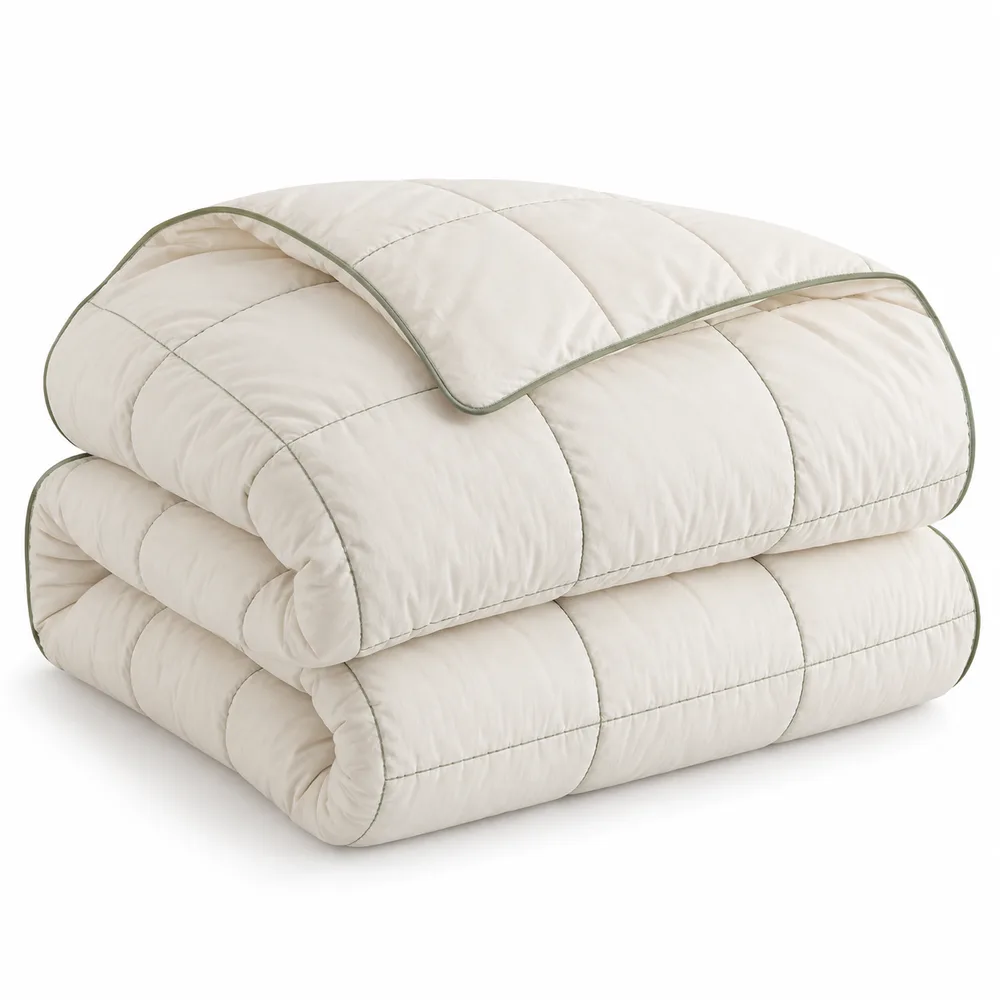
Fill220 GSM microfiberListing96
OuterCloud cotton, breathableListing94
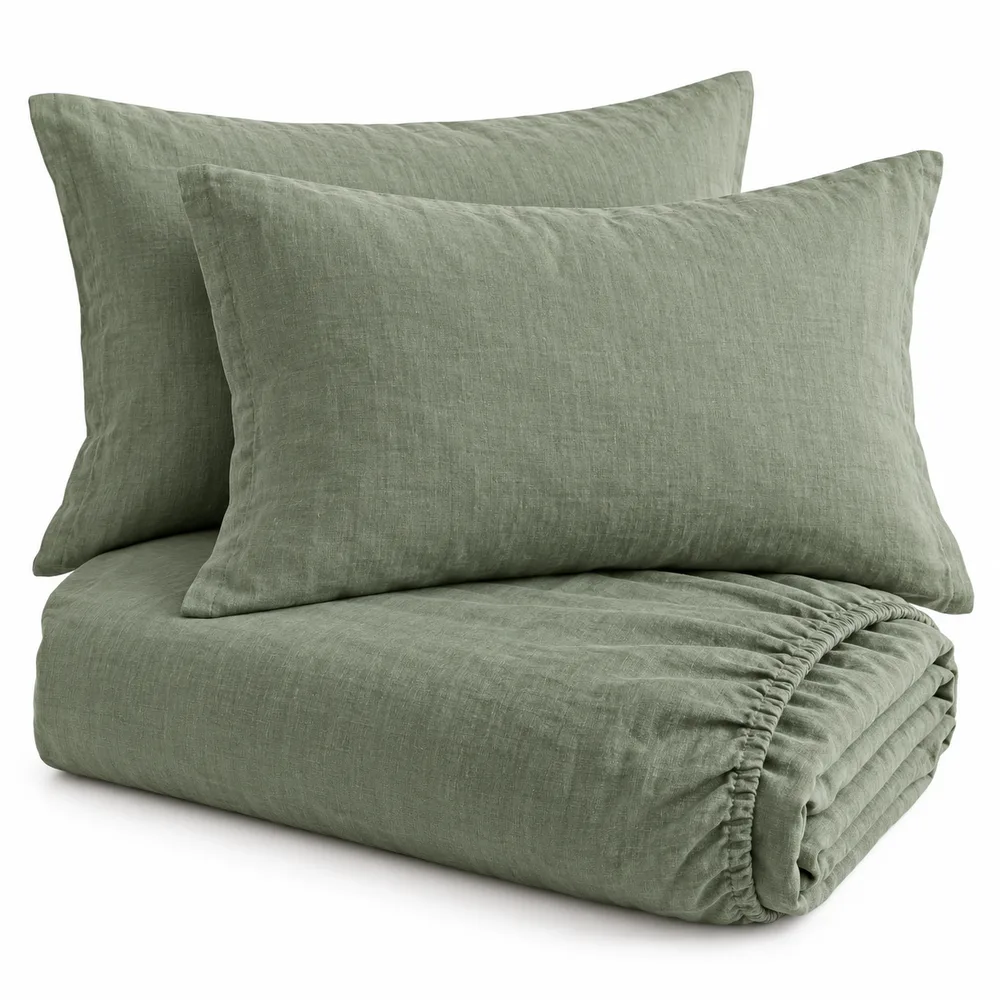
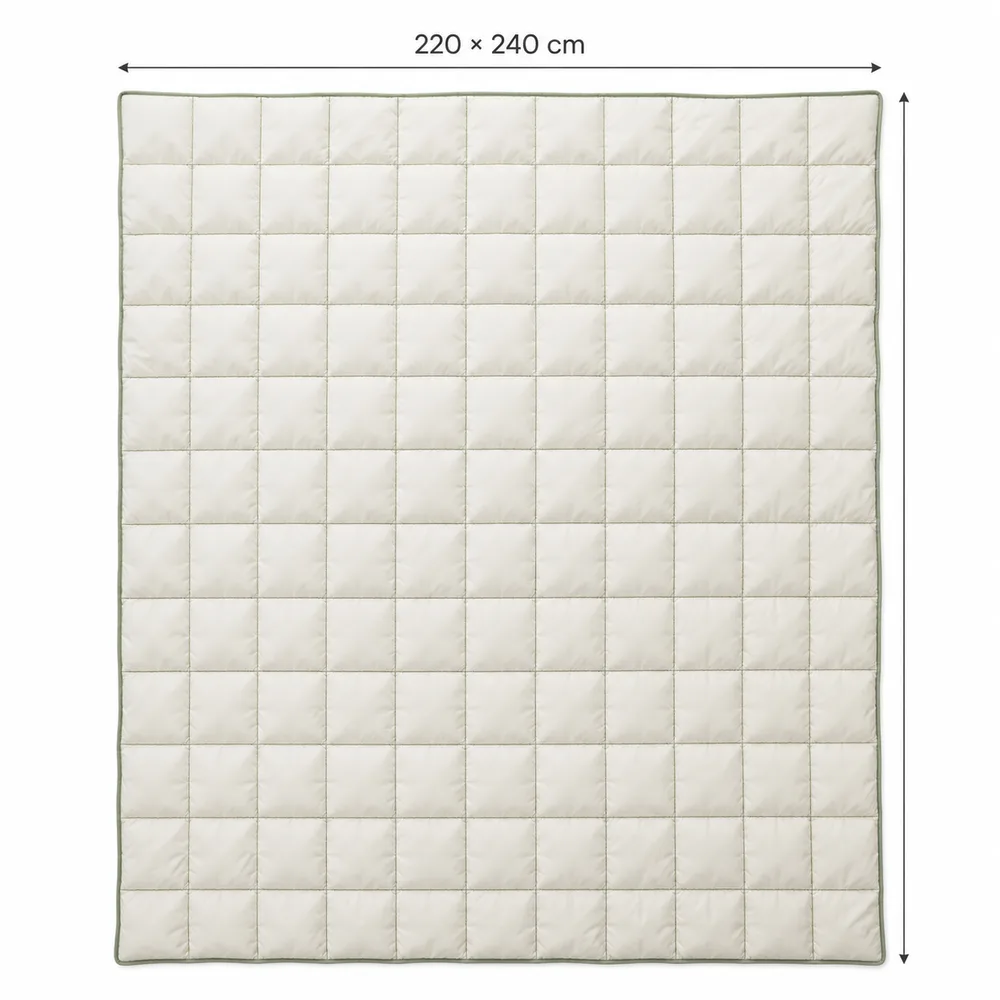
Size88 × 90 inches, doubleSheet98
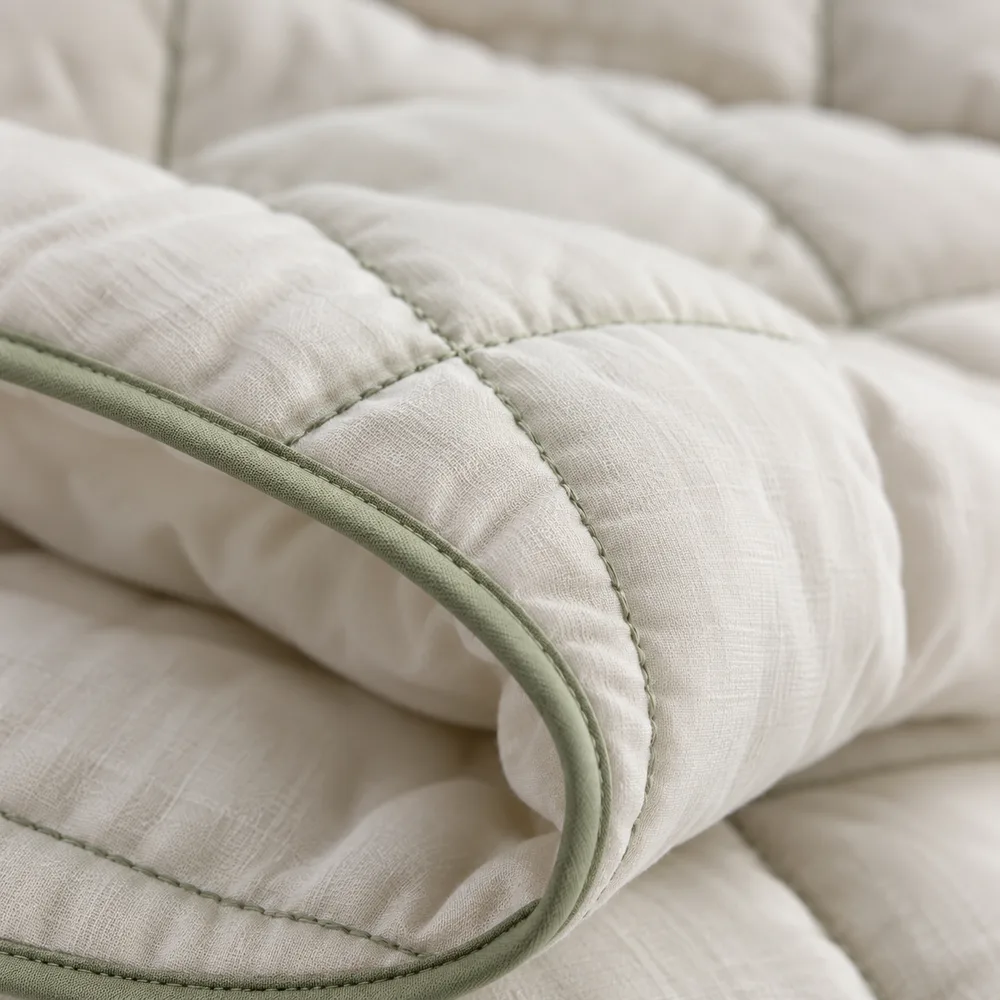
PrintSage leaf sprigs on white, reversible sagePhoto · lock90
TrimQuilted channel stitch, no pipingPhoto · lock88
7appearance details
3gallery gaps
0unsourced claims
Check facts from listings, sheets and photos. Record the pack’s print, colour, trims and shape to guide product images.
The same product expressed natively per channel: ground, framing, copy density and delivery size. Amazon white, CRED dark editorial, D2C from your own pages.
Every product of a brand in one table with its live status per channel, quality flags and last shelf check. Select rows and generate in bulk. Operators see all brands in one portfolio with the urgent actions on top.
ShelfMain image changed on AmazonSnapshot diff, today 06:10Suggested next step (illustration): Review change
PhotoLifestyle slot is AI-made inputSource photo check flagged 2 uploadsSuggested next step (illustration): Generate the gap
CoverageNot live on CREDFacts checked, design approvedSuggested next step (illustration): Generate CRED set
TruthThread count missingNeeded for size infographicSuggested next step (illustration): Add fact
Recommendations ranked by urgency: missing facts, weak or AI-made photos, channels not yet live, shelf changes, keyword and trend movement, compliance risks. Each one carries its evidence and a one-click action.
Growlane checks product facts against your sources and photos before making listings and images. It checks claims against Saudi and pharmacy rules. Risky work goes to your review queue. Only approved work exports.
Illustrated workflow · sources to approved export
01
Brand intelligence
Establish the brand palette, voice and guidelines.
02
Product facts
Read listings, sheets and photos; keep a source for each fact.
03
Source photo check
Check the reference photo and record print, trims and shape.
04
Direction and board
Review proposed designs before making product images.
05
Create images
Use checked facts and the approved design for each channel.
06
Image and claims check
Compare with the real pack; retry failed images once. Risky claims wait for review.
07
Approved delivery
Export approved work at marketplace sizes, keeping the original.
08
Tracker and inbox
Compare shelf snapshots and suggest fixes with evidence.
Sources Growlane checks
Marketplace listingYour websiteSheet and imagesReviews, 1 to 5 starsCategory winnersKeywordsShelf snapshotsTrends
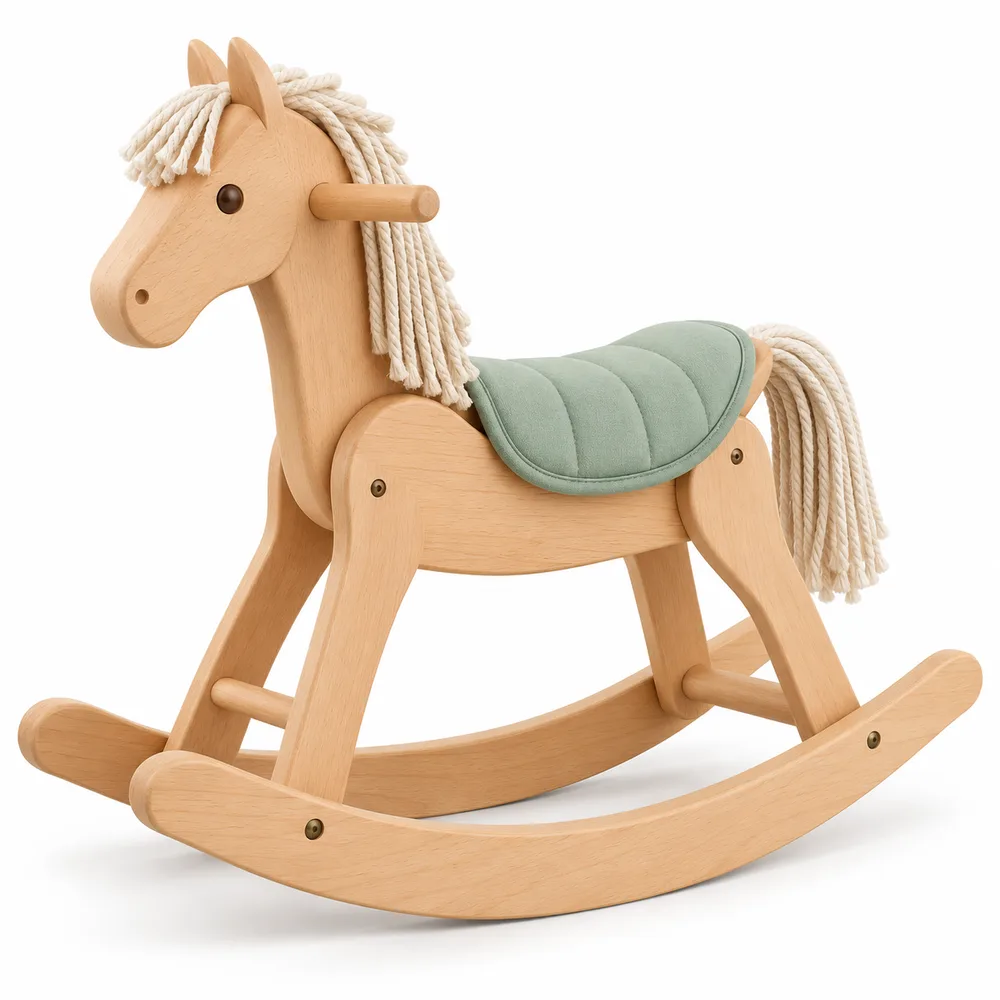
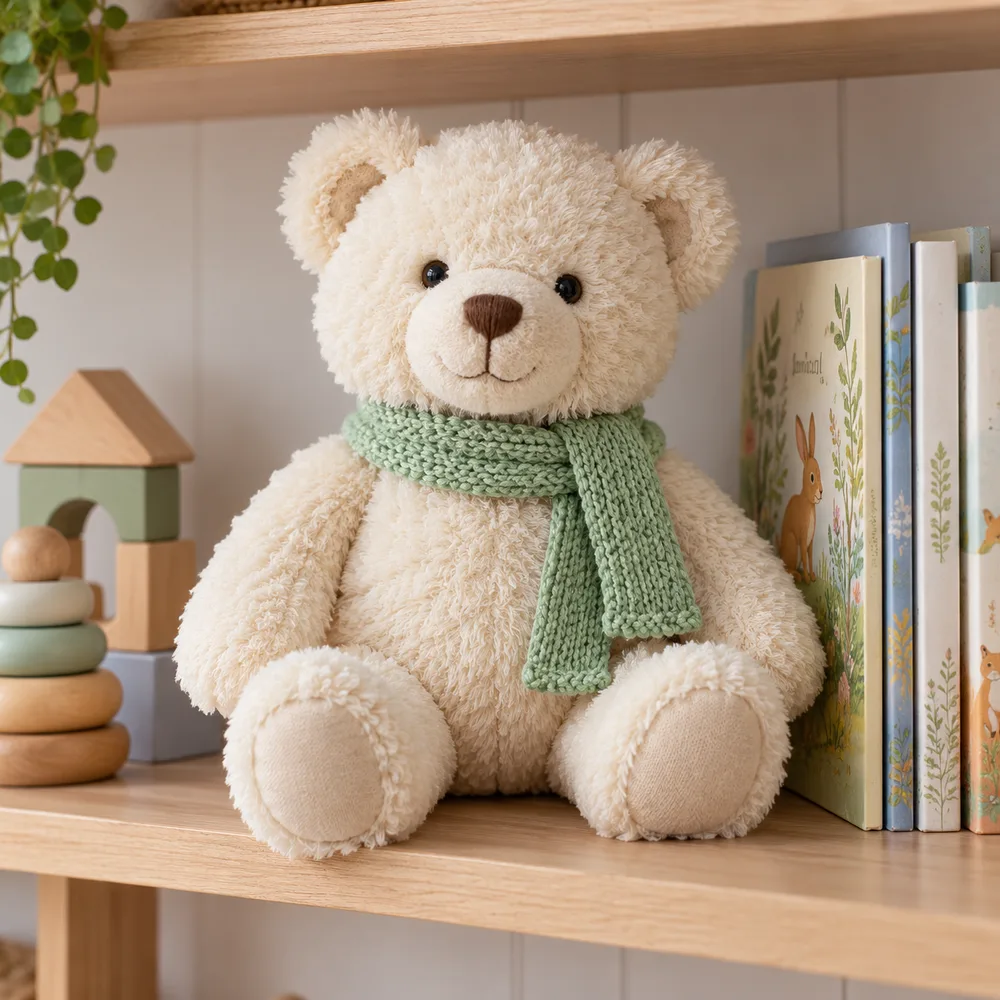
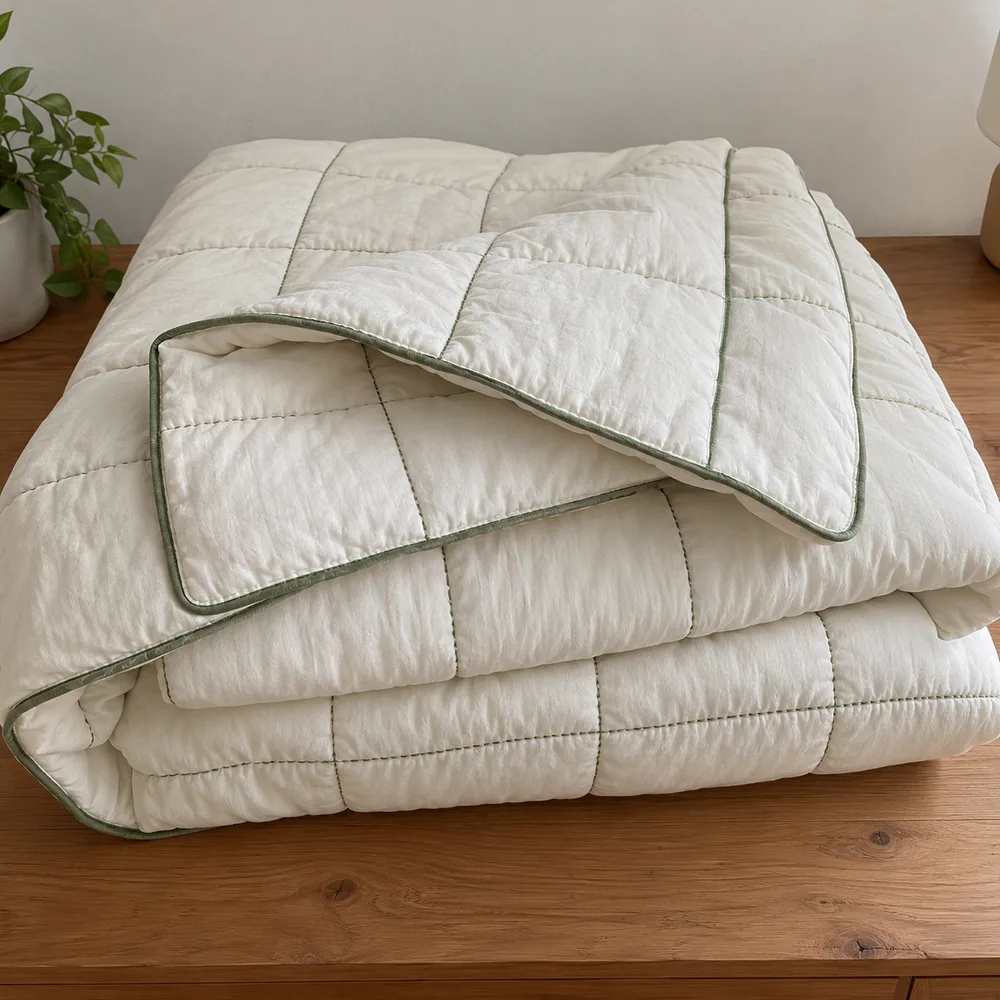
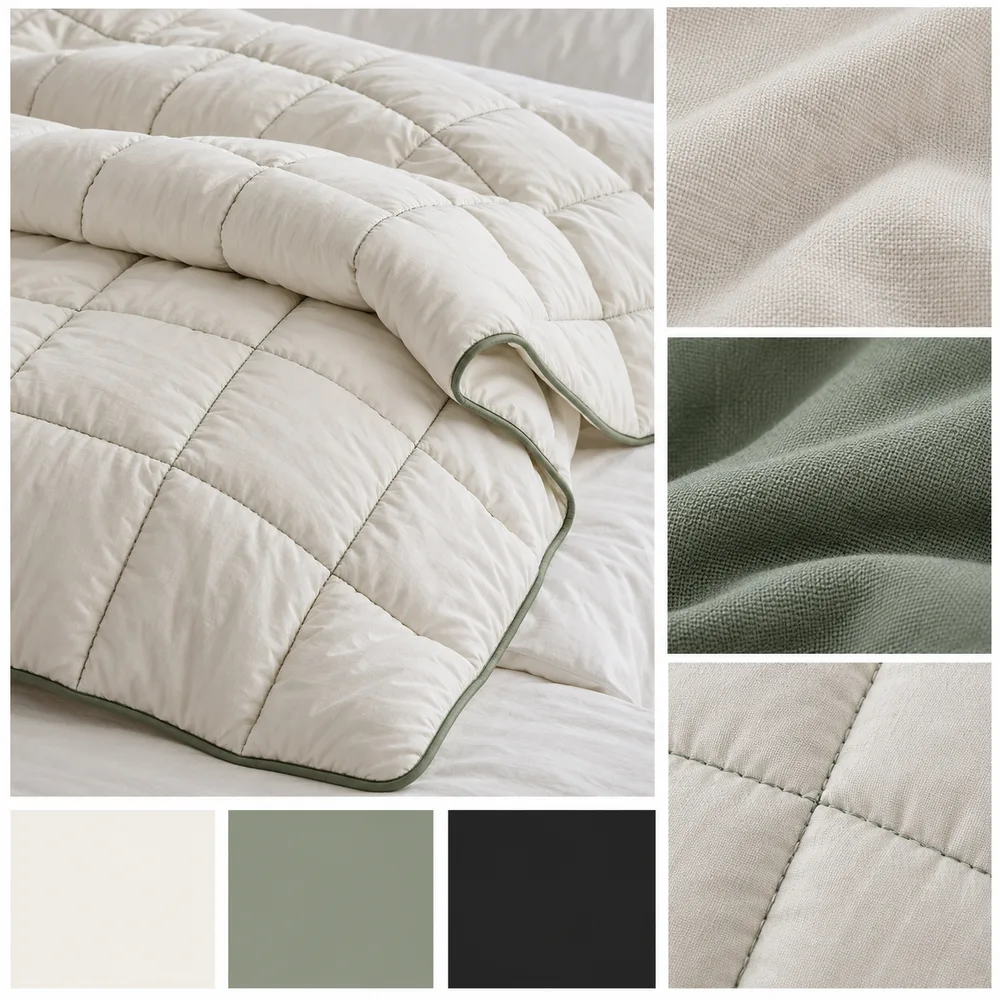
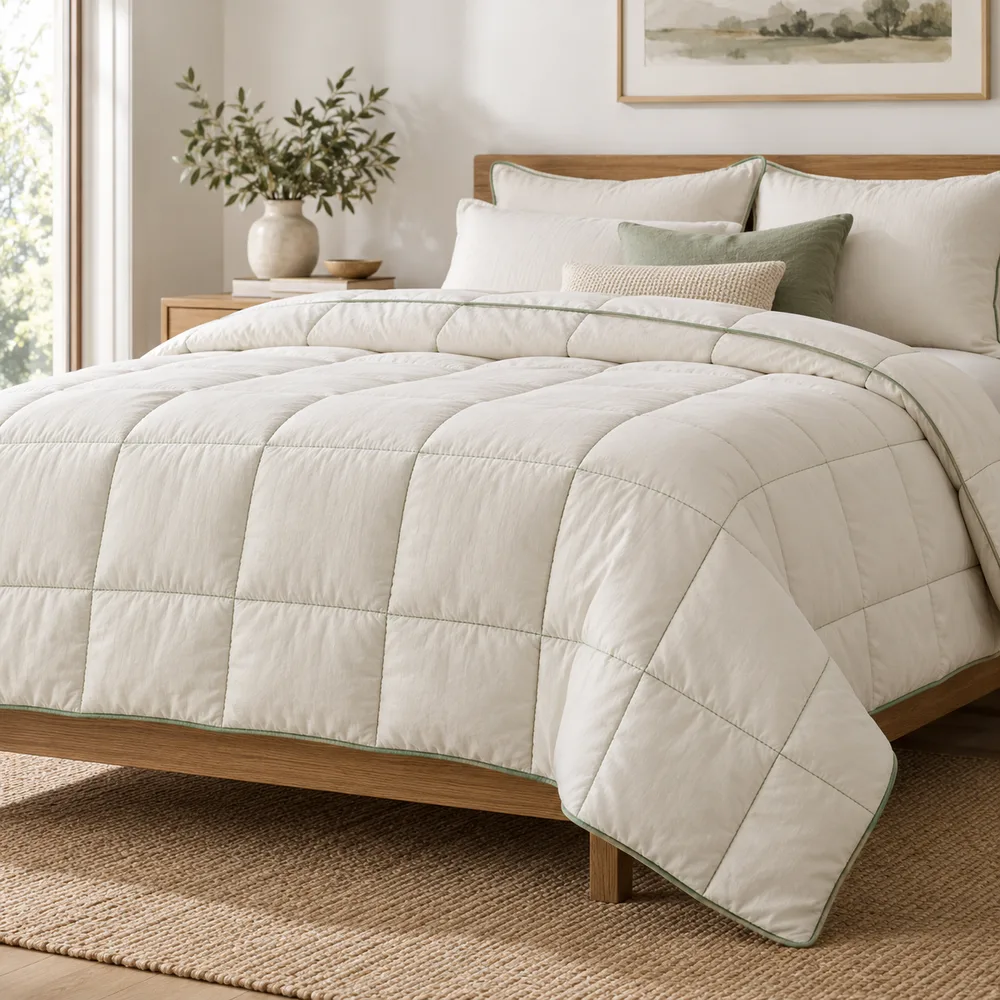
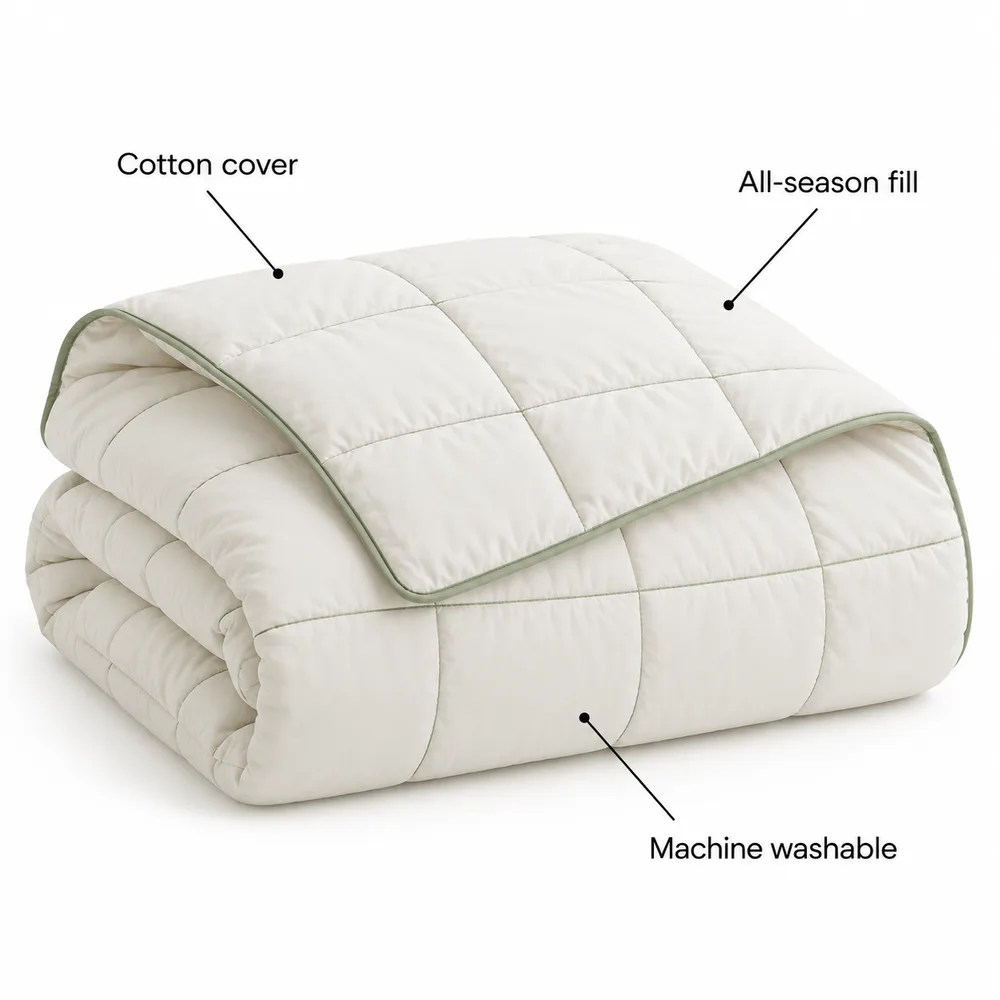
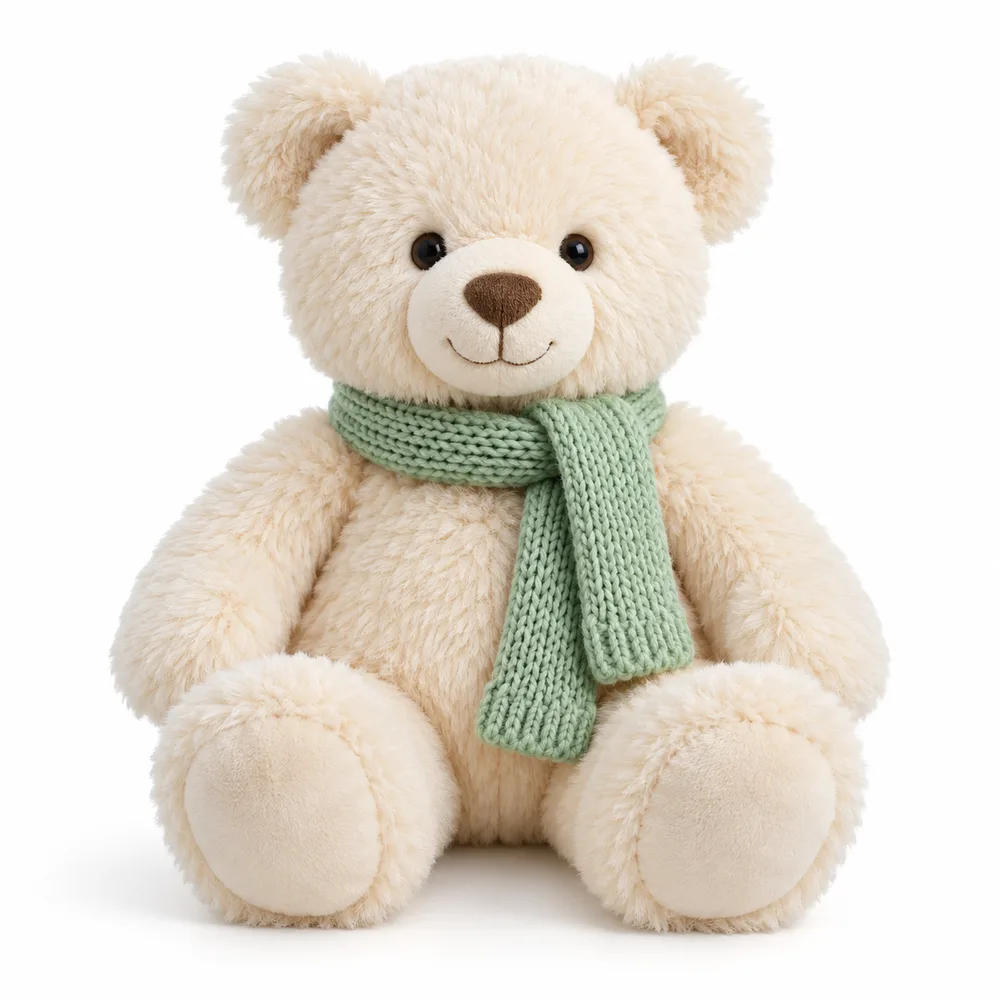
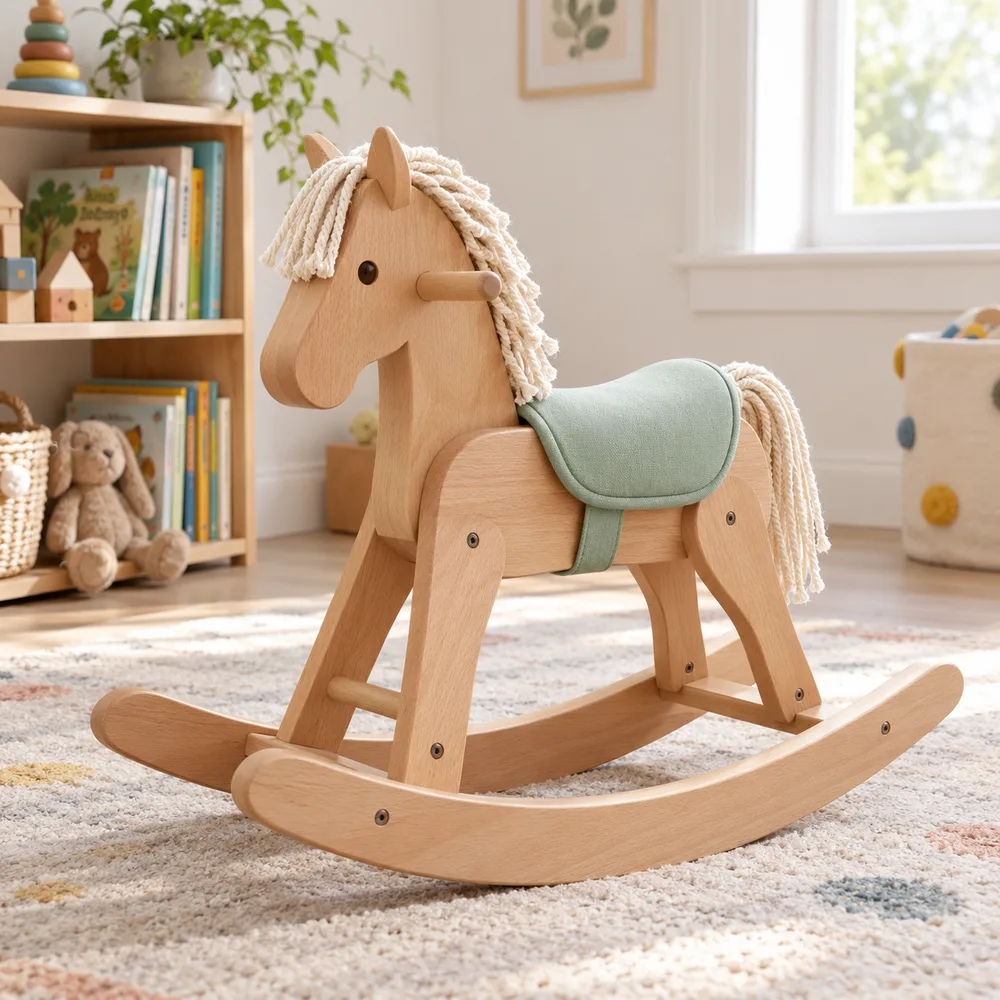
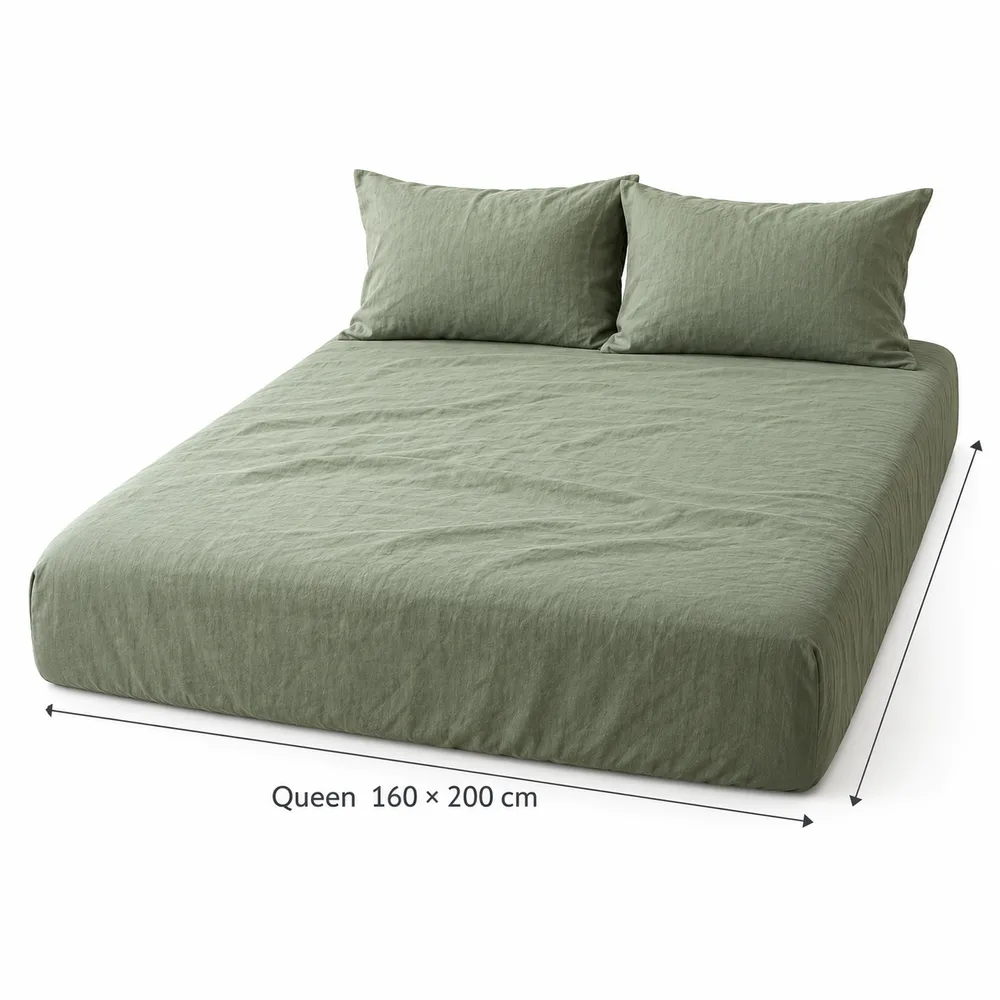
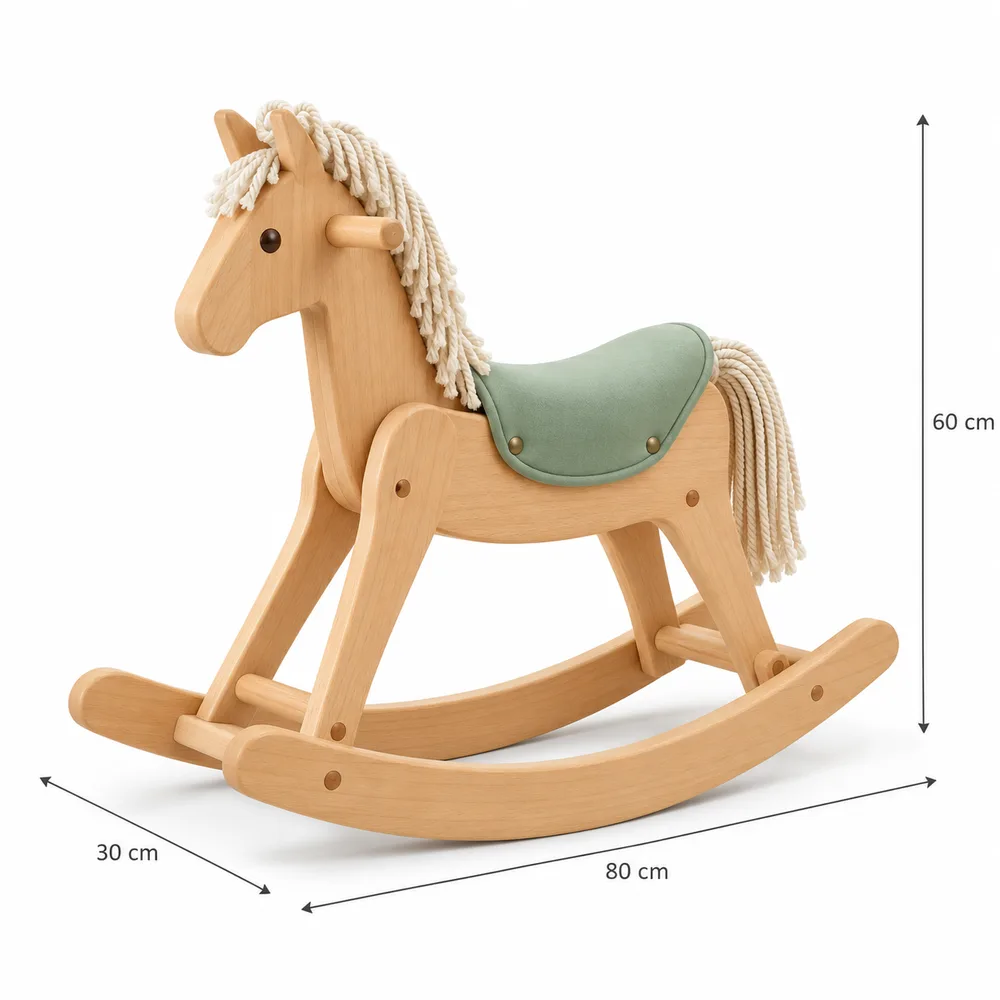
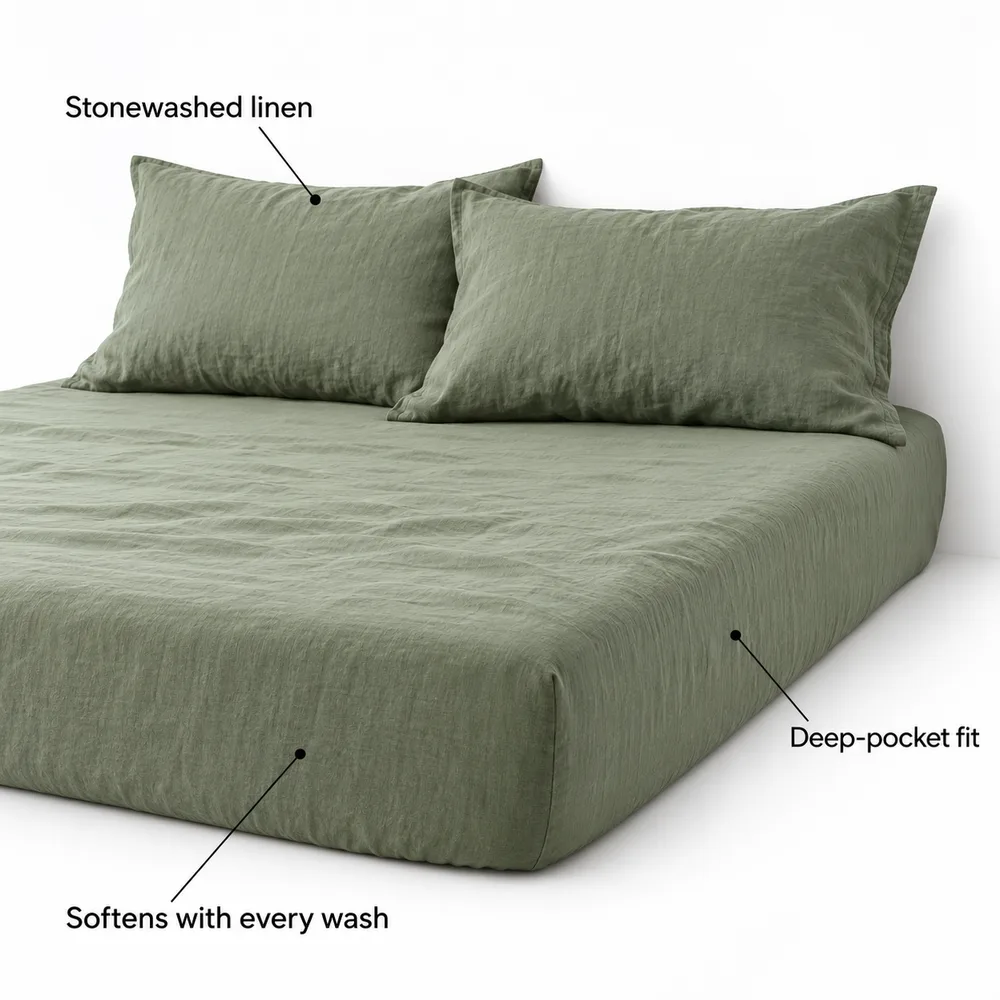
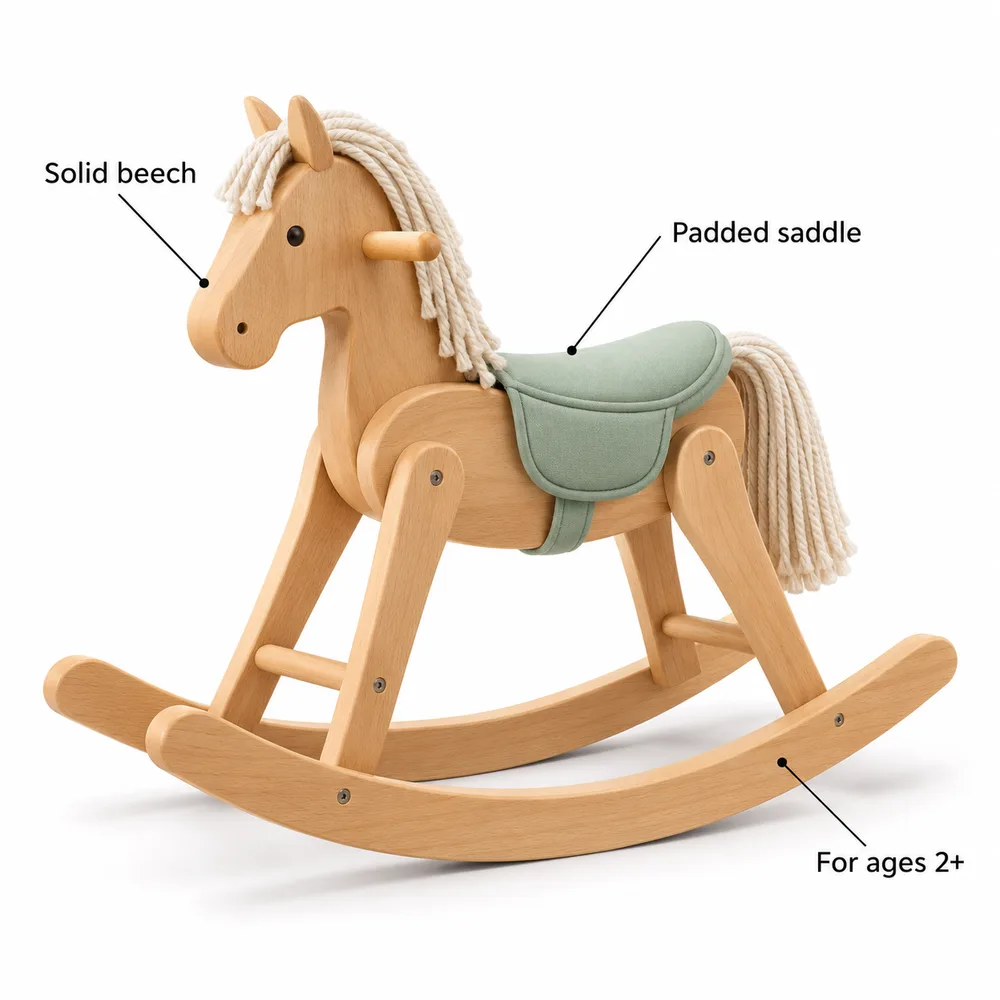
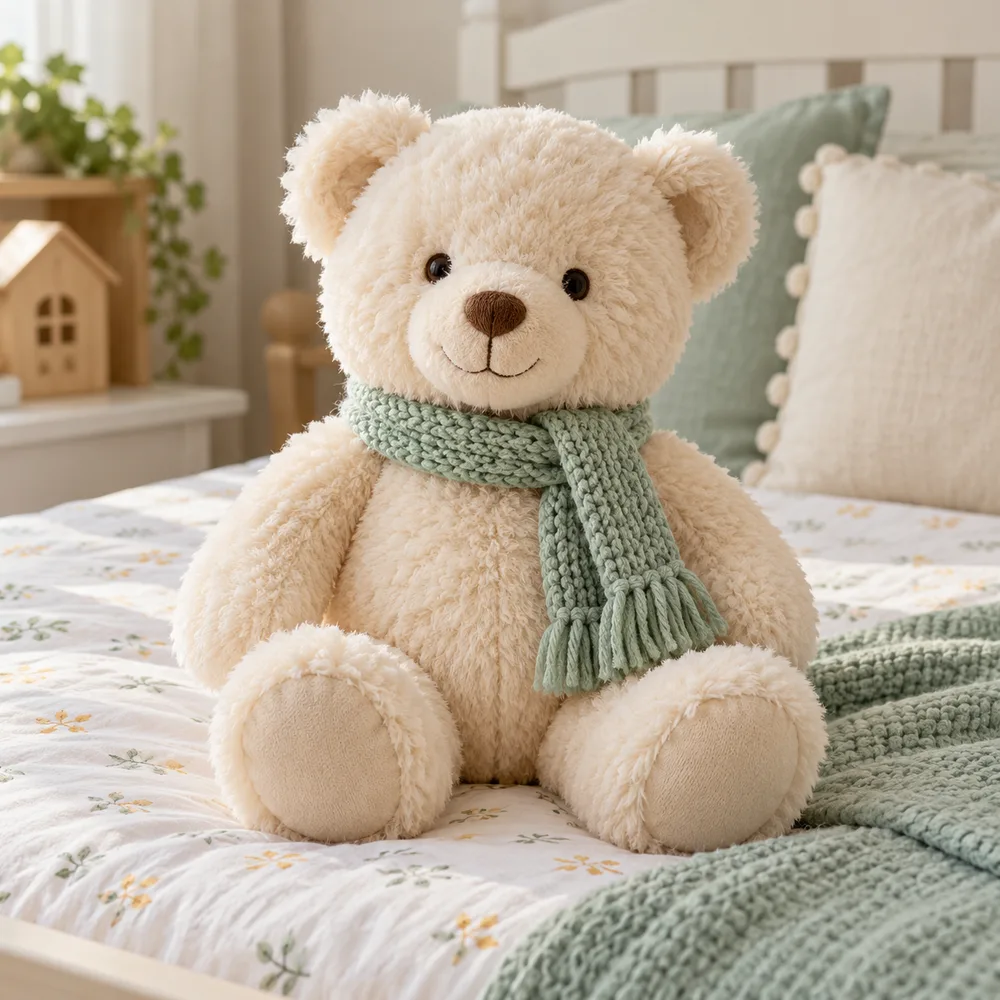
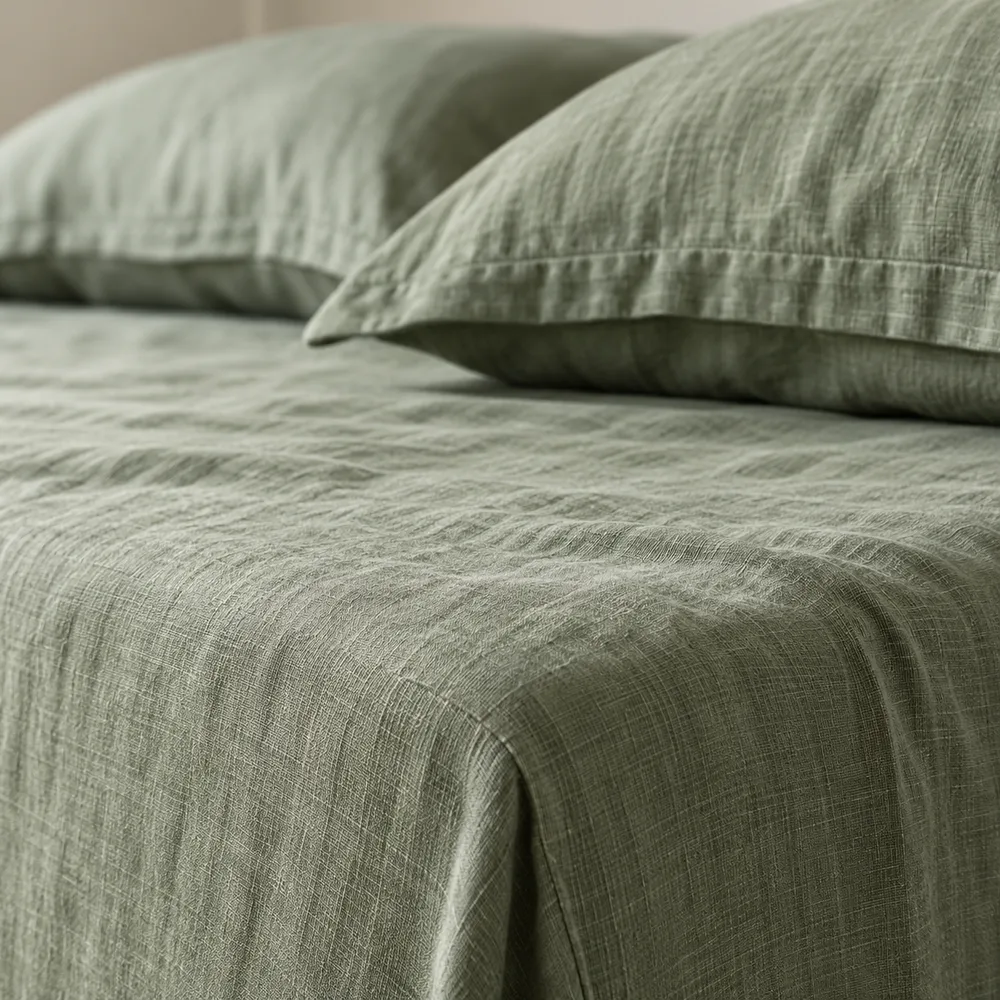
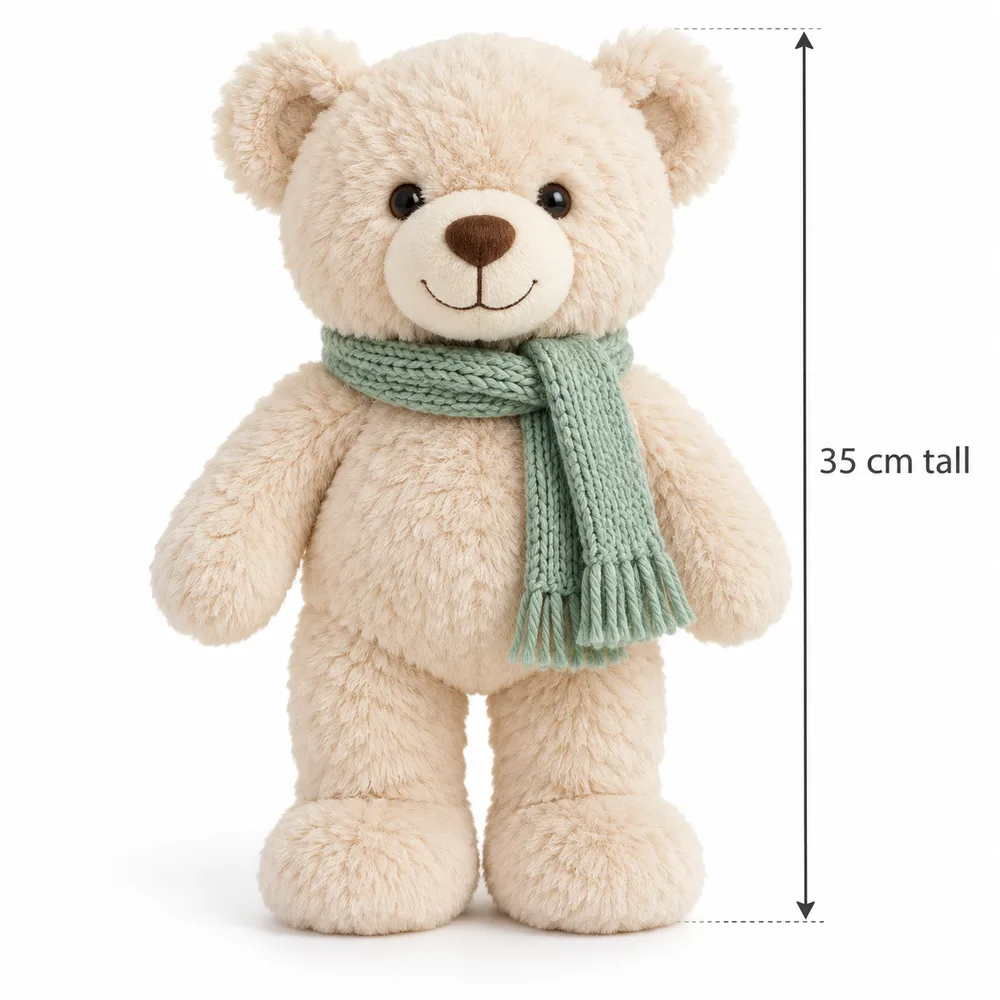
These sample photos show image slots for invented comforters, bedsheets, plush bears and rocking horses. Growlane checks new images against the source photo for print, colour, trims and proportions.
Growlane checks whether an uploaded image is a product photo, lifestyle photo or graphic. Generated images are flagged as unsuitable references.
Blocks renders as reference · warns on AI-made inputs · minimum 400 px
02
Pack appearance details
Growlane records print, colour and shape from source photos. Those details guide each new image of the product.
Print, colour, trims, shape, proportions
03
Image brief
The image brief uses checked facts, pack details, brand guidelines and channel requirements. It excludes unsupported numbers, claims and pack details.
Check brand text, colours and product details
04
Image check
Growlane compares each image with the real product. It checks print, readable text and allowed claims, then retries failed images once.
Same product or it fails · one retry · rejected frames hidden
05
Claims guard
Growlane checks claims against Saudi and pharmacy rules. Risky claims go to your review queue.
Review claims before export
06
Delivery sizing
Finals are resized to each marketplace spec with sharpening on upscale and attention crops for banners. The original stays alongside the delivered file.
2000 × 2000 · A+ 1464 × 600
In-house intelligence
See what buyers find on the shelf.
Growlane checks reviews, competitor listings, search terms and changes to your listings. Use the evidence to review suggested fixes for product facts, images and claims.
Start with a product link or sheet and photos of the real pack. Prepare English and Arabic listings and images, then review the results before using them.
Planning a rollout? Send your product count, outputs, channels and region to hello@growlane.si for a cost estimate. Credits are shared across your workspace.
Listings, images and campaigns · Human review before use